Free PDF Program
This Free PDF Program is now planned to be in place indefinitely, for the current second edition and for the upcoming third edition. The author believes that all serious bridge players should have access to this book.
| Get the PDF |
1. By obtaining any version of the PDF for the book,
you agree:
EZ-Expert Bidding Tools, Second EditionNote: In the past, the author has collected e-mail addresses. He may have used them once, and plans to do so to announce the third edition. If you want yours collected, the author's is in the Forward to the book. |
![[Adobe Logo]](../photos/adobe_logo.png)
|
2. Make sure that the free Adobe Acrobat Reader app
is installed on your device.
To install, use the Apple or Google store; on some other system, try clicking on the Adobe logo to the left, and following the instructions on the Adobe page. (I recommend using the link that does not install McAfee.) |
| 3. When you get the PDF file, install it on the device(s) where you will read it – on the desktop or home page is OK. | |
| 4. Open the file in Adobe Acrobat Reader, which supports links in the file, especially forward from an endnote callout to the corresponding endnote, and backward to the callout. (On Android, the app remembers the location of the file.) | |
|
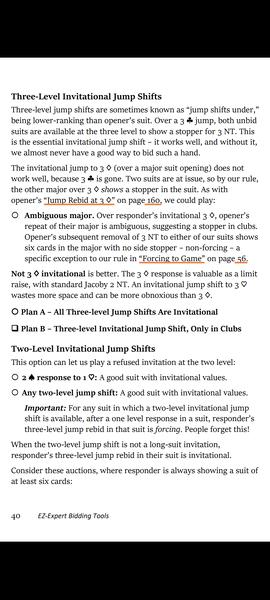
Looking at the pages in portrait (vertical) orientation, the complete page fills the screen as best it can. Scrolling continues automatically to the next page. (On Android, you should see partial pages instead of the black bars of this old Kindle image.) |
|
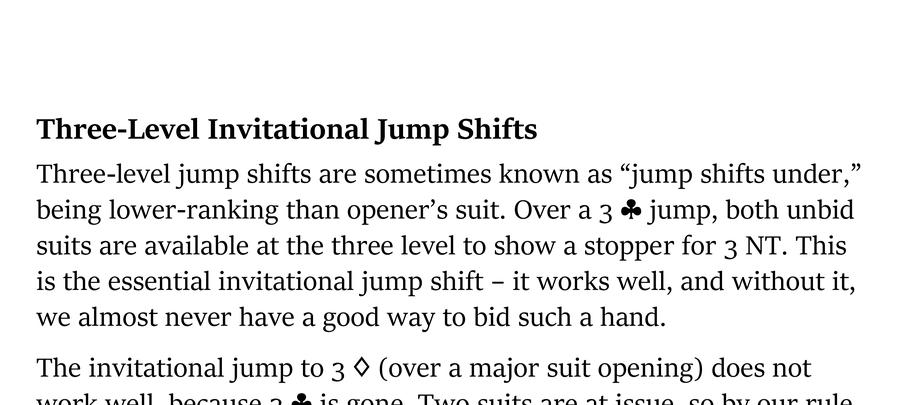
Unless you need to see the whole page, landscape (horizontal) orientation is better. It shows a slice of the page, highly readable at full screen width. Scrolling continues automatically down the page and to the next page. |